COMPANION
Companion, not clutter
A customizable desktop pet with its own look and persona. It stays out of your way until you need it.
 DeskCat
at
DeskCat
at
Not just a desktop companion — a reflection of how you work.
DOWNLOAD / V1.1.2
DeskCat is available for macOS today. Windows support is in development.
First launch note: macOS may say Apple cannot verify DeskCat. Click Done, then open System Settings → Privacy & Security, find the blocked DeskCat notice under Security, and choose Open Anyway.
01 / PRODUCT MOTION
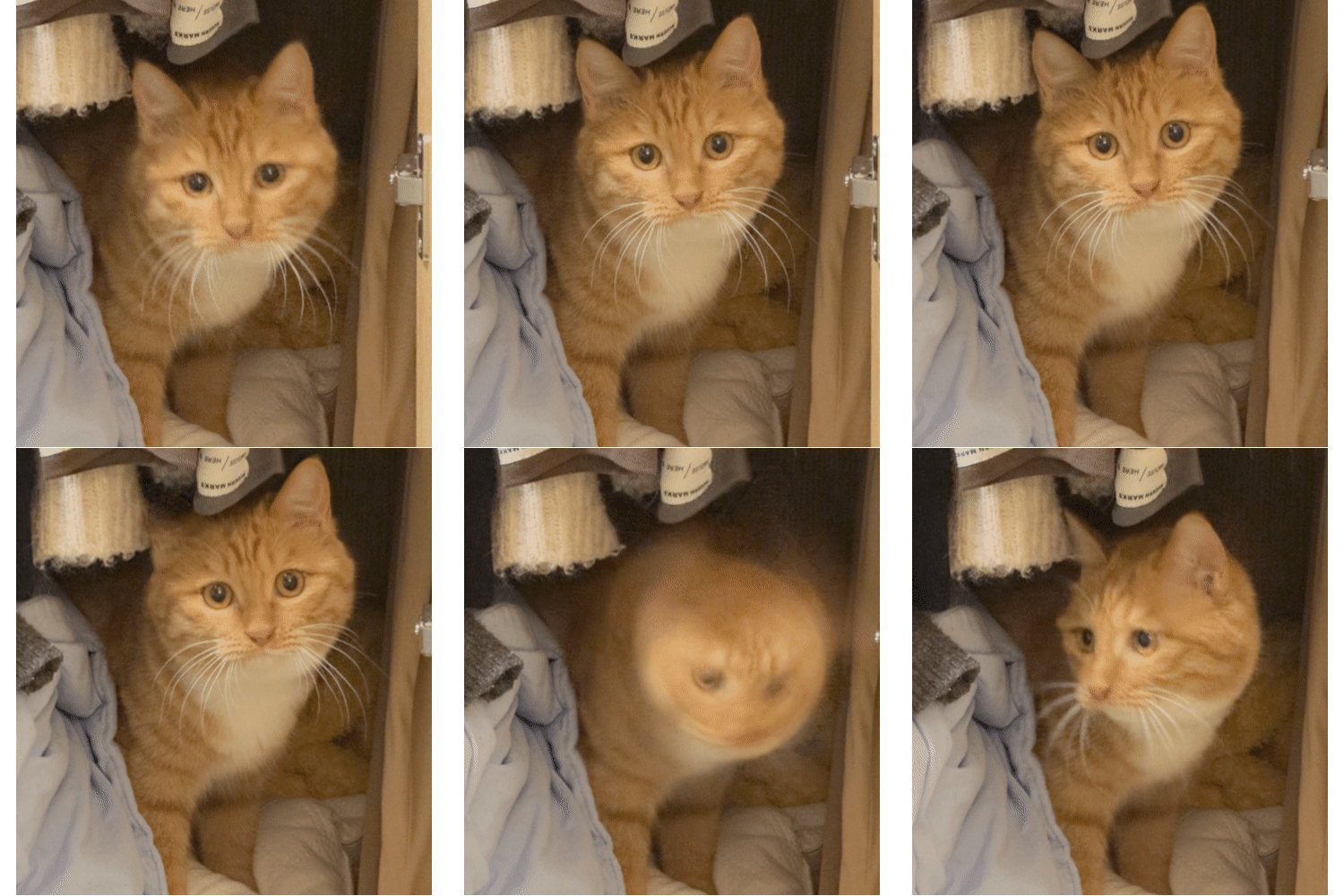
Two modes: Orb or Pet. Three states: idle, work, and rest. DeskCat quietly changes form with your day.
COMPANION
A customizable desktop pet with its own look and persona. It stays out of your way until you need it.
AI CHAT
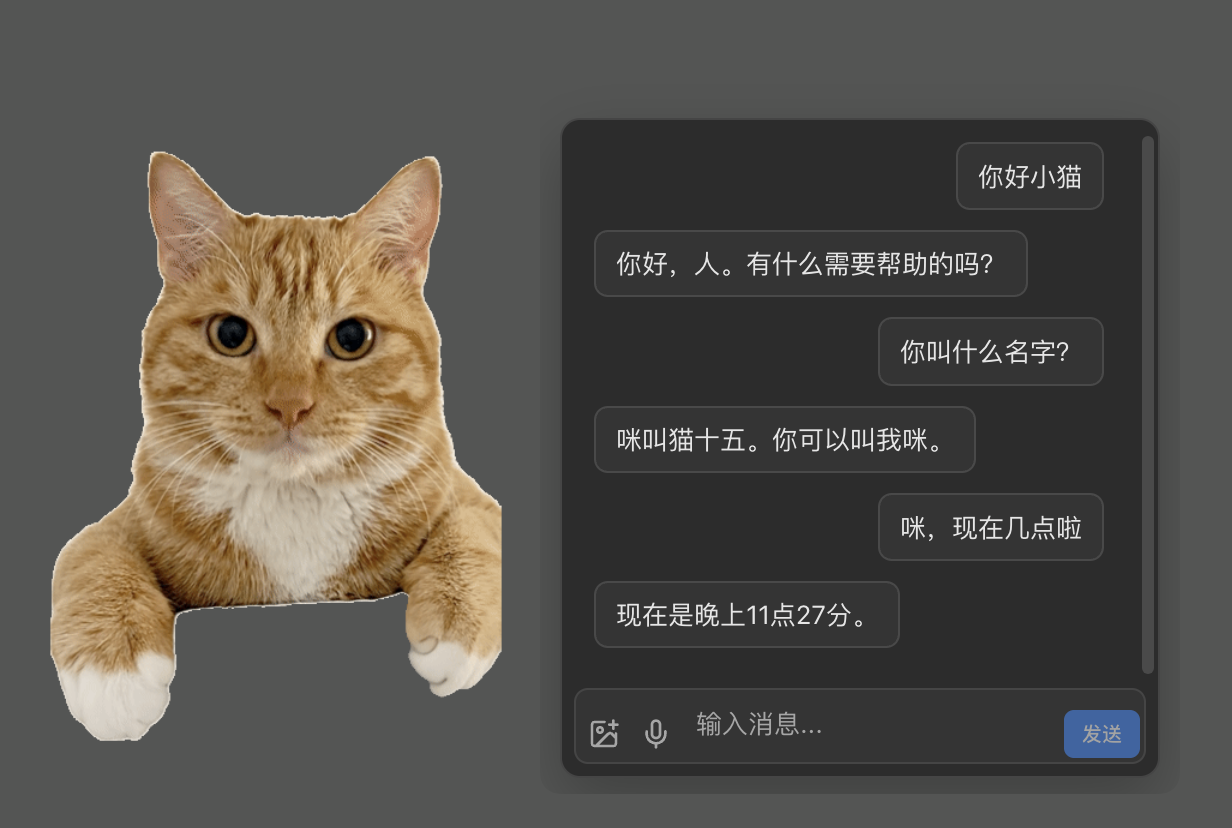
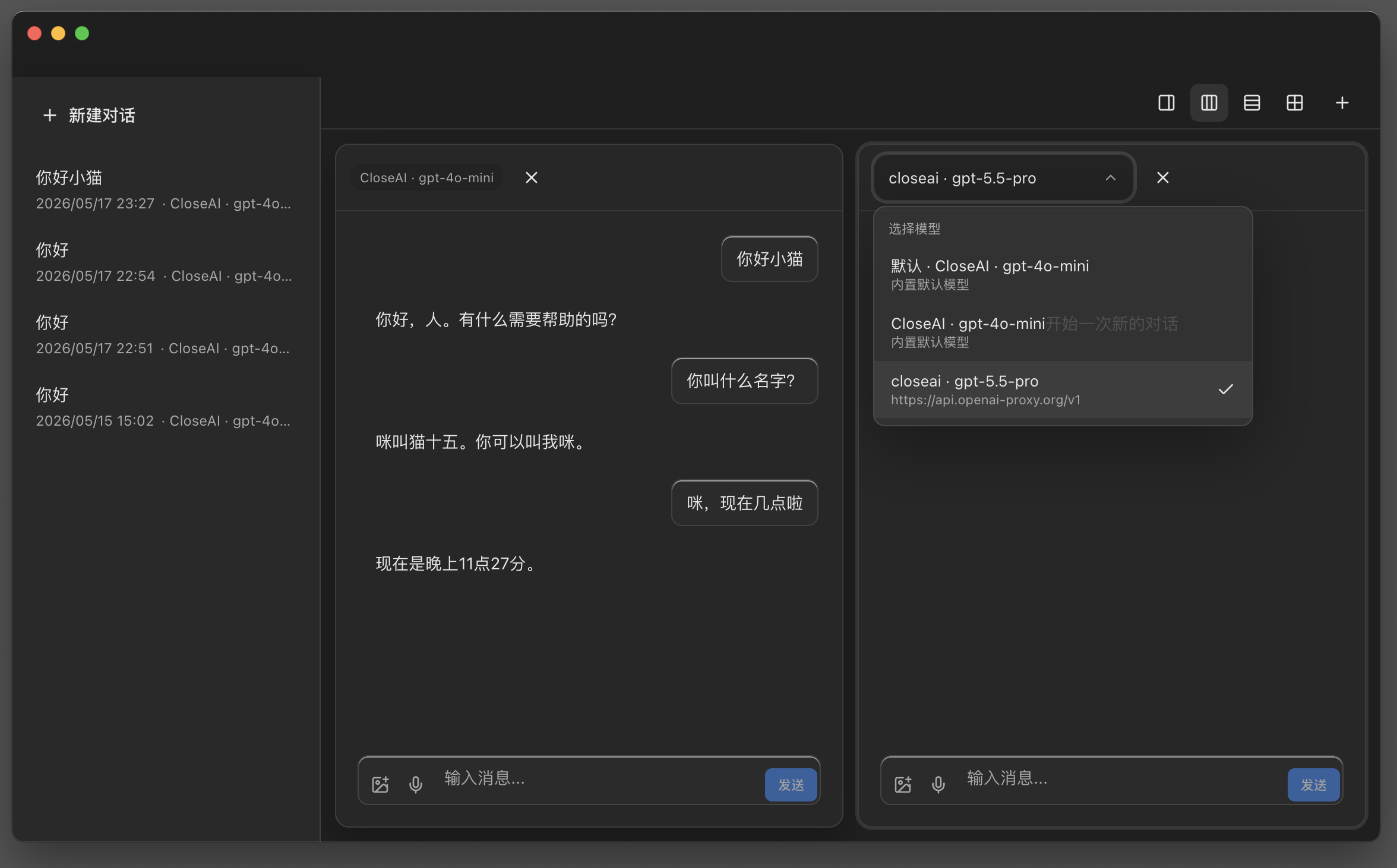
Ships with a free built-in model. Plug in any provider you prefer — OpenAI, Claude, or whatever fits your stack.
FOCUS
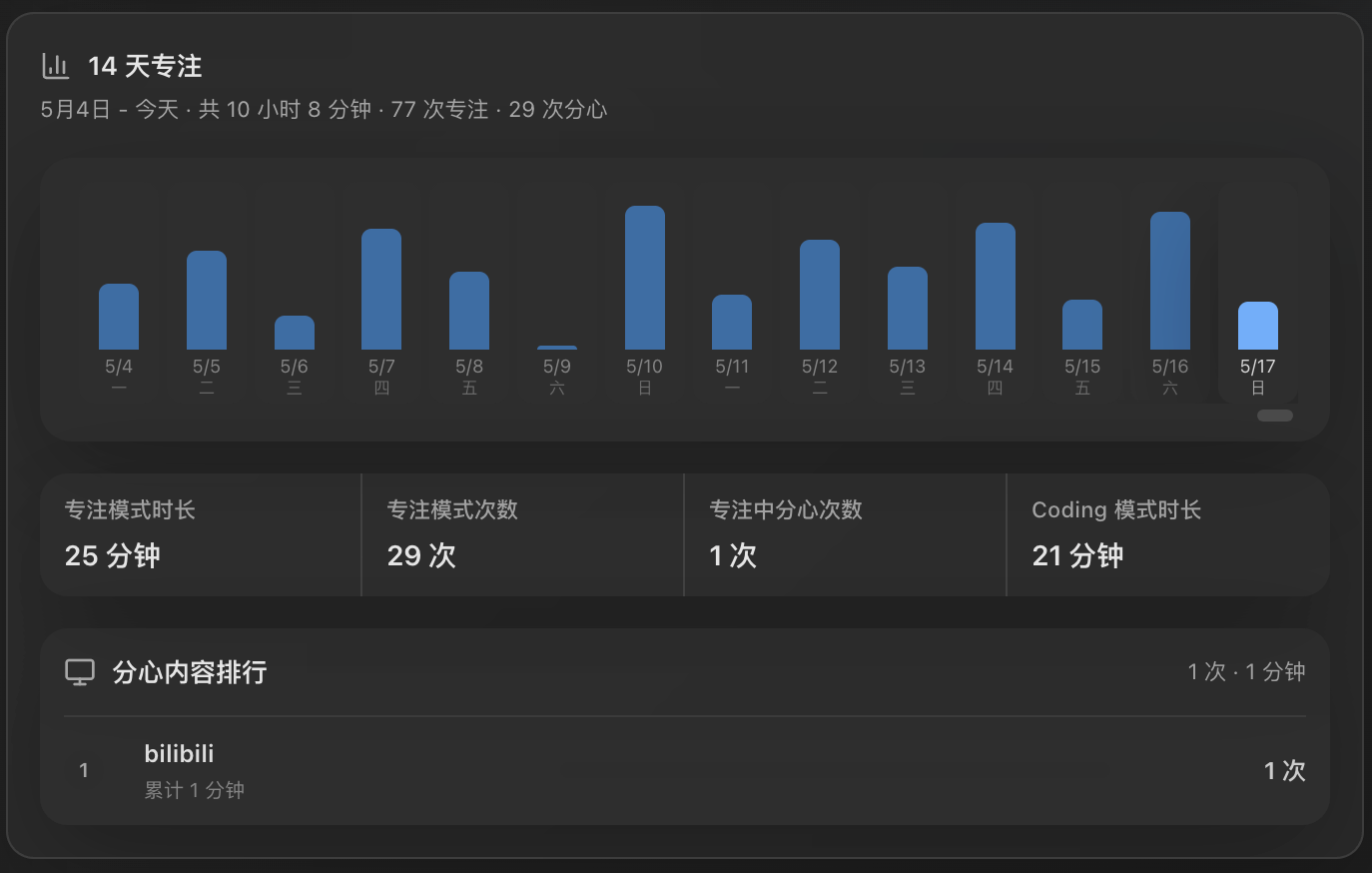
Switch windows, open a chat app — DeskCat notices and nudges you back. Coding mode turns agent state into quiet color signals.
TIMELINE
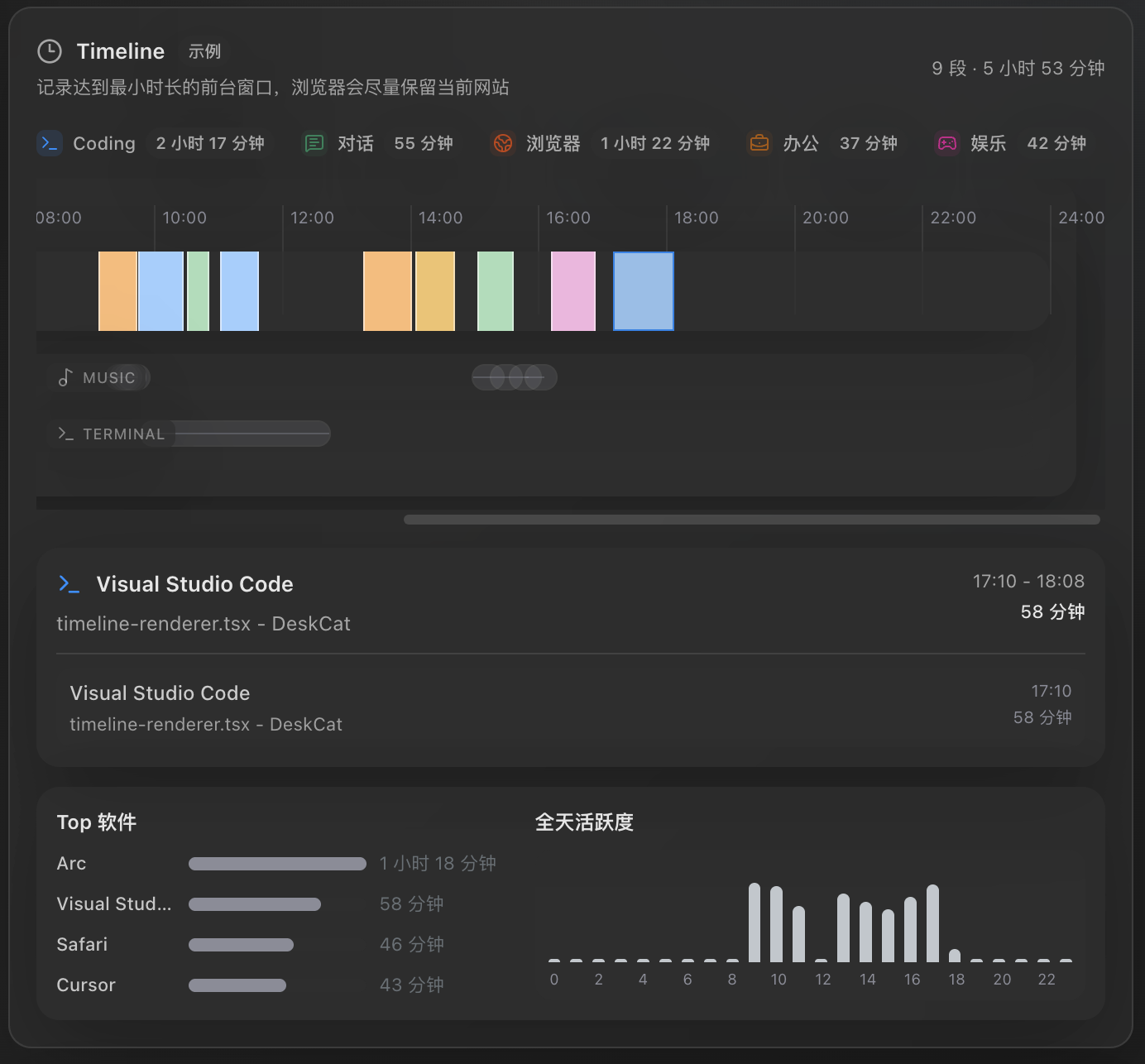
DeskCat tracks foreground apps, background activity, terminal sessions, and browser tabs, then hands you a daily summary.
CHOOSE YOUR CAT DOOR
Ready to bring DeskCat home?
Pick your download vibe. The cat will not judge. Probably.OPTIONAL CAT TREAT FUND
Scan either code if you feel like tossing a treat into the bowl. DeskCat downloads either way.
 Alipay QR
 WeChat QR